
Online YTMP3 Converter for Downloading Video and Music
Is it worth using? Analysis, alternatives and my experience
Surely you have had this too: you saw a video or your favorite track online and wanted to take the audio for yourself. To listen on the road, without internet. To collect a personal playlist. To save a lecture or podcast. It seems simple, but when you start looking, you come across a bunch of converter services. And each has its own advantages and pitfalls.
One of the most popular YTMP3.
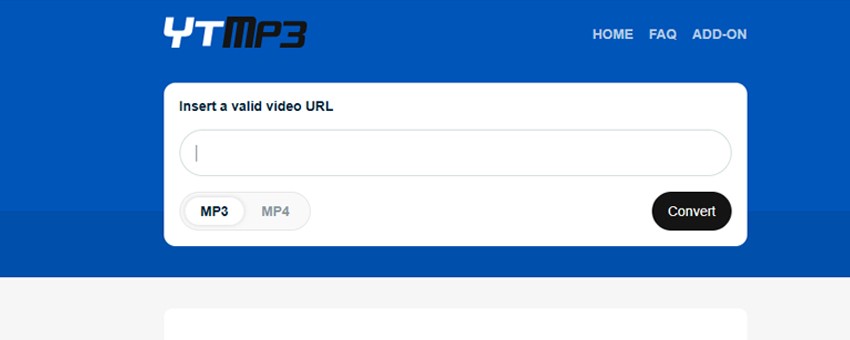
How to use YTMP3?
Honestly, it couldn't be simpler. But still, I'll break it down step by step:
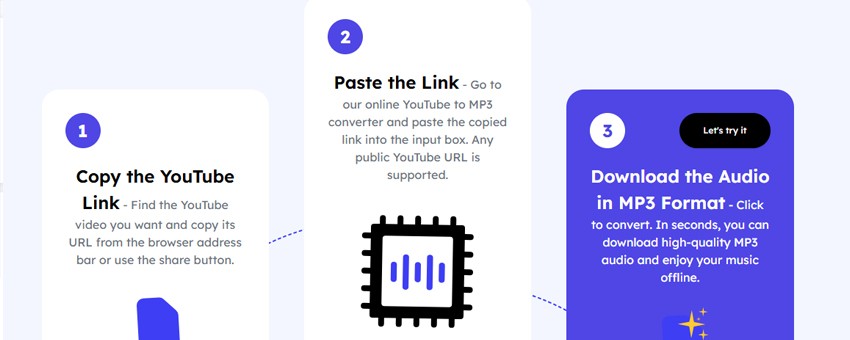
- Take the link from the desired video or clip.
- Go to the YTMP3 website (it's important to get to the working mirror, not a clone).
- Paste the link into the field - it's the only one, you can't miss it.
- Choose the format: MP3 (for audio) or MP4 (if you need the video).
- Press the Convert button.
- After a few seconds, the Download button appears - click and save the file.
- Done. Everything works without registration, but be prepared that the site may open extra advertising tabs - AdBlock will help here.
Rates
With YTMP3, everything is simple: the service is completely free.
- No subscription.
- No paid features.
- No download limits.
But "freeness" has a downside. You pay with advertising, quality limitations and possible risks.
Pros and cons
To make the picture honest, I collected everything in two columns.
Pros
- Free.
- Works without registration.
- Supports MP3 and MP4.
- Fast (usually up to a minute per video).
- Compatible with any device - phone, tablet, PC.
Cons? Let's be honest.
- Maximum 128 kbit/s sound quality is mediocre.
- Lots of ads and pop-ups.
- Sometimes suspicious redirects.
- Legal risk, downloading protected materials may violate platform rules.
- Not suitable for musicians and those who need clean sound.
Legal aspect
It's important to understand! Converting music/video of other people protected by copyright is illegal, more about license types. Better to use the service for content that you have rights to. Your own videos, materials with Creative Commons license.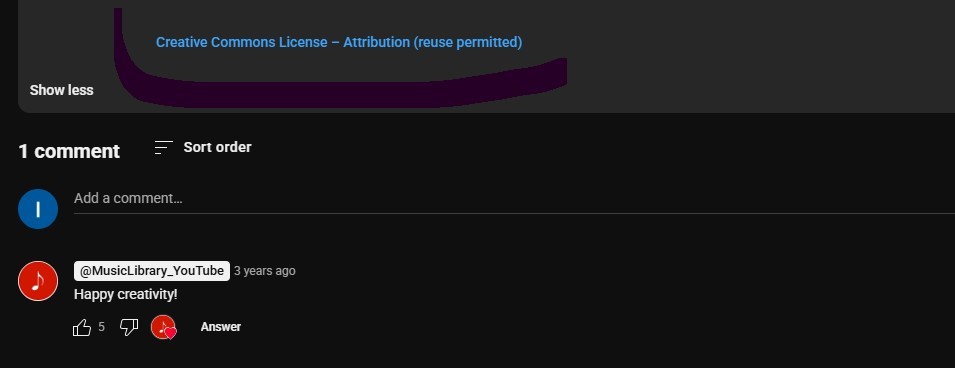
Comparison with alternatives
I tested different services. Here's what is really better.
- Ideal for those who want quality and safety.
- Supports 320 kbit/s.
- No ads at all.
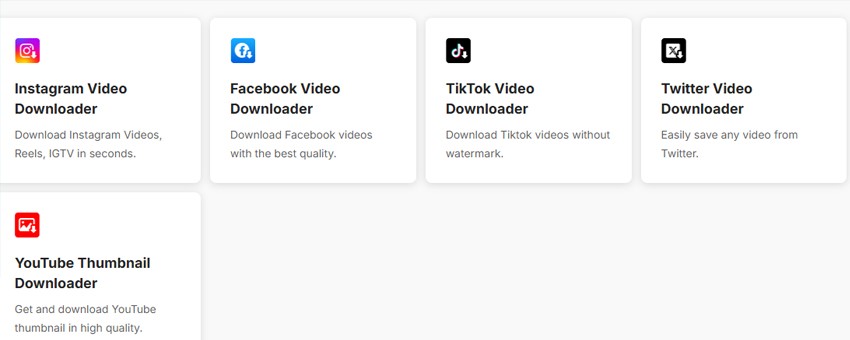
- Supported sites: YouTube, Instagram, Reels, IGTV, Facebook, TikTok, Twitter, Pinterest, Reddit.
- Not only MP3, but also MP4, plus preview before download.
I personally use it for music.
- This is no longer just a converter, but a full-fledged studio with AI.
- Removes vocals (makes minus tracks).
- Splits sound into tracks.
- Improves recording quality.
- And all this online, without ads.
Podcasters and content creators love this thing.
If you need to download a couple of tracks quickly - yes, it will do. But as a permanent tool, it's weak.
- For speed and one-time download - YTMP3 or NoTube
- For quality and safety - Toolsmart AI.
- For creativity and processing - AudioCleaner.ai.
Personally, I download music through Toolsmart AI, use AudioCleaner for experiments, and left YTMP3 as a backup option.
Additional resources
- Wikipedia - https://en.wikipedia.org/wiki/YouTube
- Wikipedia Audio - https://en.wikipedia.org/wiki/Audio