
XDownloader: my technical view on one of the most controversial downloader apps of 2026
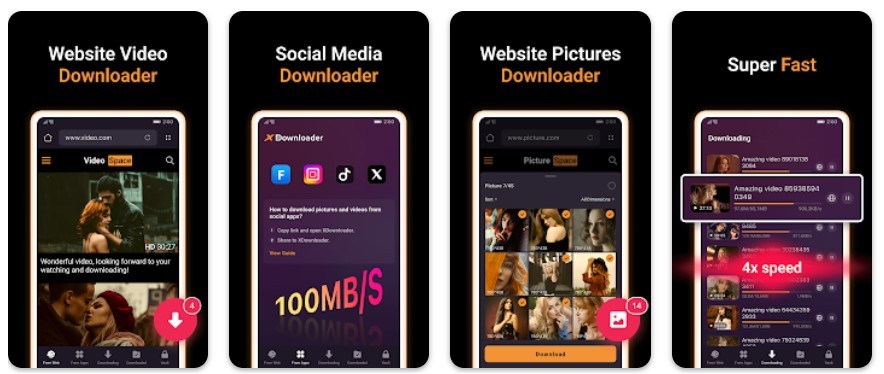
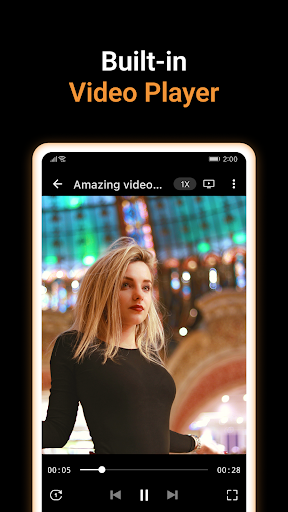
Apps that promise to "download everything, from everywhere, and for free" always attract attention. Especially when it comes to social networks like TikTok, Instagram, Facebook, YouTube, and even X (Twitter). In 2026, one of the brightest representatives was XDownloader & Video Player by DC Mobile Studio. According to the developers, this is not just a downloader, but a full-fledged media combine: with a browser, player, encryption, and even an encrypted storage.
Intrigued? Then let’s figure it out!
Architecture and logic of XDownloader
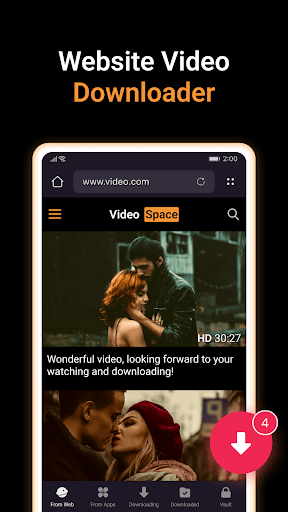
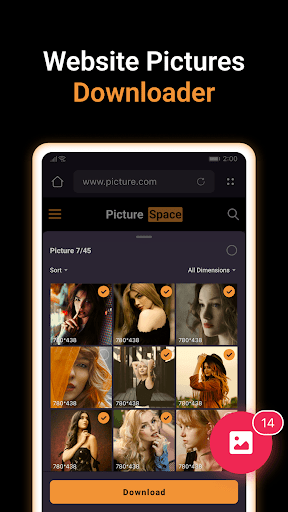
The app is built on a simple but effective principle: integrated browser + automatic media detection system. You open a site through the built-in browser, the app analyzes the DOM structure of the page, looks for <video> and <img> tags, and then offers you the content for download. All this is in semi-automatic mode, with minimal user actions.
Download from Google Play
| Update: | 06.02.2026 |
| Package name: | video.downloader.tiktok.instagram.file.saver.vault |
| Category: | Video Players & Editors |
| License: | Free |
| Current Version: | 2.3.12 |
| Version not lower: | 7.0 |
| Size: | - |
| Available languages: | - |
| Developer: | DC Mobile Studio - |
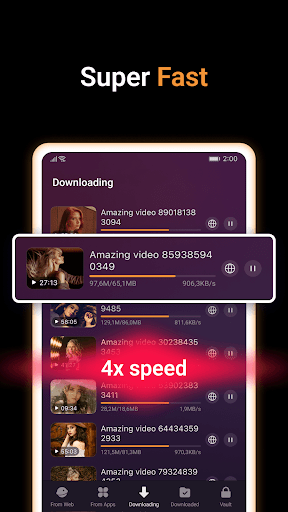
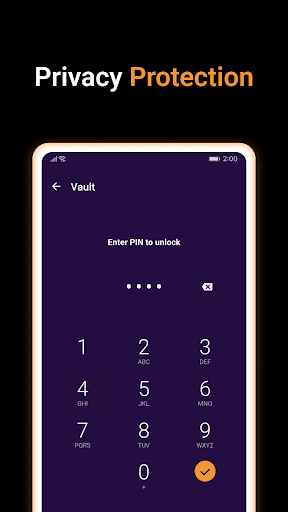
🌟 Fast Video Downloader App. Save all videos and photos easily from the Internet. XDownloader is a powerful tool that lets you download videos from any website or social media app, including TikTok (without the watermark),Facebook, Instagram, and more. With XDownloader's built-in browser, you can seamlessly explore websites while the app automatically detects downloadable videos and images. Easily and securely download any content you choose. Once saved, enjoy offline playback anytime! Key Features: 💎 Download videos from websites easily and fast. 💎 Download videos from IG, Twit, TT, FB and more 💎 Download TT videos without the watermark! 💎 Excellent web browsing experience! 💎 Supports several download formats (e.g., MP3, MP4, JPEG, PNG) and resolutions (480p, 720p, 1080p, and HD). 💎 Auto detect the videos you can download. 💎 Check the download progress in the download bar. 💎 Pause the download progress at any time. 💎 Fast download speeds! 💎 Movie downloader. 💎 Browser downloader. 💎 Supports background downloading with simultaneous multiple file downloads. 💎 Add bookmarks to important or favorite websites in the built-in browser. Downloader for Videos and photos This is an excellent downloader. It can download all videos and photos on the web. You can download and save whatever you want. Seamless Social Media Video Downloader You can download videos directly from social media, or simply share the video link for one-click downloads, all from your browser. Browser Downloader Easily detects and downloads videos directly from your browser. As you browse, the app automatically detects videos on the page, allowing you to download them with a single click. HD Video Downloader XDownloader supports downloading HD videos. With this video downloader, you can enjoy a good viewing experience. Download Manager XDownloader's download manager makes it simple to stop, restart, or end ongoing downloads. To handle your video downloads with ease, use the Download Manager! Fast Video Downloader Please try this fast video downloader, if you want a high downloading speed downloader. It is a high speed, easy-to-use downloader in the market. Safe and Fast Downloader You can protect your videos with XDownloader. Files that have been downloaded can be kept in an encrypted vault that is only accessible by you. 💡 How to download from websites? 💡 ① Visit the website with the built-in browser in XDownloader ② The videos and the images will be auto-detected, just tap the download button ③ Choose a video that you want to save ④ Done! 💡 How to download from social apps like IG or TT? 💡 ① Open the social app and tap the share icon ② Tap Copy Link ③ Return to the XDownloader ④ Wait for the auto-detection and download ⑤ Video downloaded! Disclaimer: - Copyright Respect: The app supports and respects global copyright protection laws. Users must obtain permission from content owners before downloading. - User Responsibility: Users are responsible for complying with copyright laws and bear legal consequences for unauthorized downloads. - Prohibition of Illegal Use: Downloading copyrighted content (e.g., music, videos, movies) without authorization is strictly prohibited. Content must not be used for commercial purposes or redistribution. - Third-Party Platform Content: The app is not officially affiliated with any third-party platforms (e.g., TikTok, Facebook, Instagram, YouTube). App only provides technical support and does not grant permission for platform content. - Technical Neutrality Statement: The app is a neutral tool and is not liable for user actions.

Revision history:
v 2.3.12 - 06/02/2026
v 2.3.3 - 02/01/2026
1. Improved the speed of downloading videos.
2. Support auto-retrying after the download fails.
3. Supports sorting pictures and videos by size, date, and name.
v 2.1.50 - 23/07/2025
v 2.1.48 - 02/07/2025
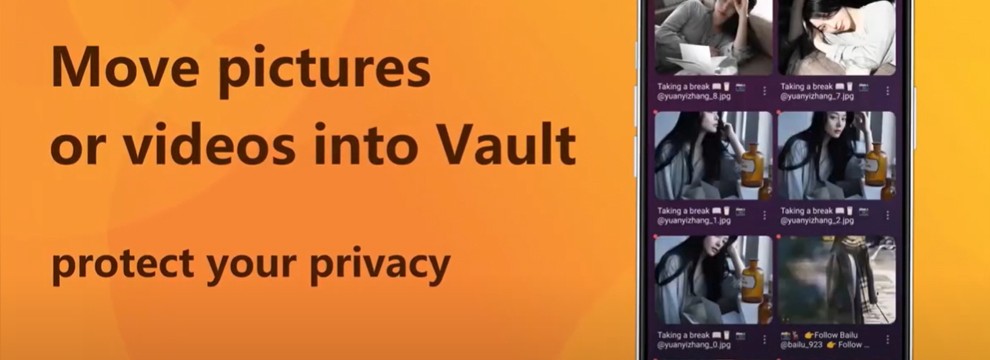
Downloading is not done directly to the device memory, but first to the app’s internal storage. This allows you to:
- isolate files until export;
- implement internal protection (as encrypted storage);
- manage download progress through your own manager.
Formats? Standard support: MP4, MP3, JPEG, PNG, resolutions from 480p to 1080p and higher. Also implemented is background downloading with parallel processing of multiple streams.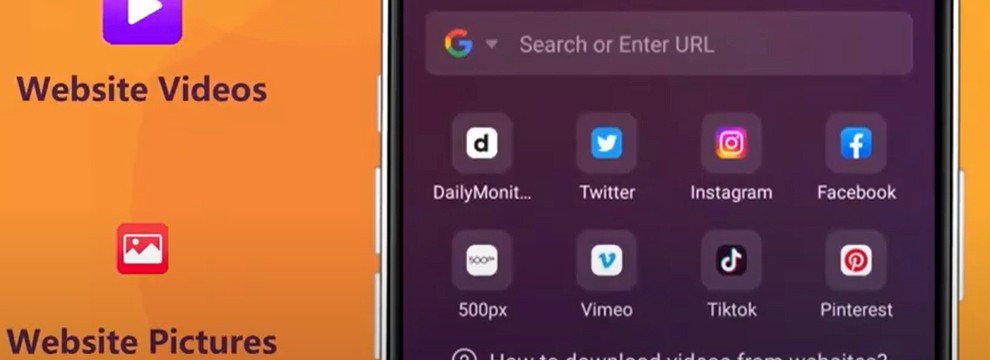
However, the main "feature" that the developers focus on is downloading videos from TikTok without watermarks, which even some paid services do not offer.
Convenient, but not without nuances
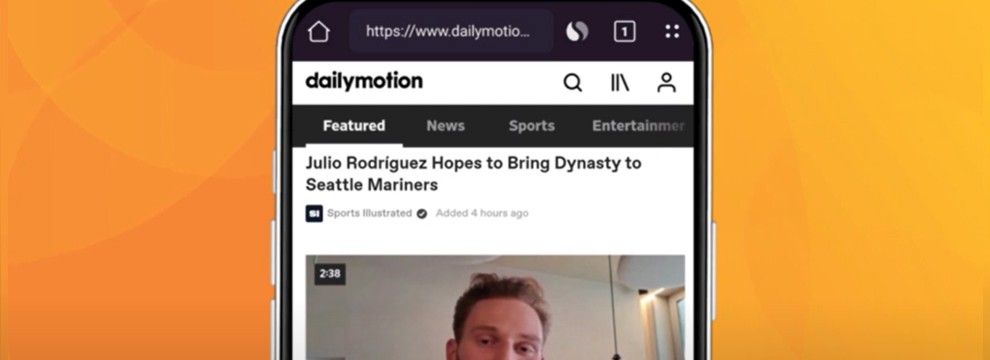
The interface is intuitive. To download a video:
- Go to the desired site through the built-in browser.
- Wait for XDownloader to detect the video itself (this takes 1–3 seconds).
- Click the download button.
- After the download is complete, export the file to the desired folder.
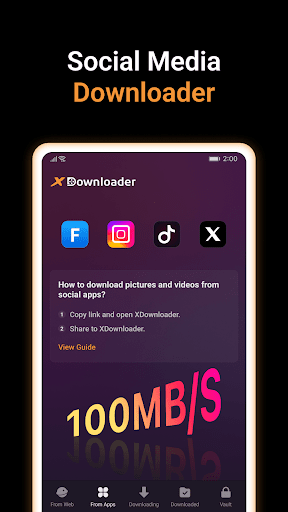
Alternative way: download via clipboard → copy the link from TikTok or Instagram → open XDownloader → it automatically picks up the link → offers to download.
Perfect? Alas, no.
Often, you have to "call the download button again" by copying the link a second time. Also, the app "locks" files inside itself, and the user is forced to export content manually, creating duplicates and inconvenience. For most users, this is "extra friction", especially when you expect simplicity from a product of this class.
Criticism, reviews, and monetization realities
The app is actively criticized on Google Play:
- Ads before/after each download, standard for free apps, but here there is clearly an excess.
- Paid features that disappear, especially the painful story of user Husam Almasry. He bought a "lifetime" license, and then lost some features in an update.
- Export from storage requires manual actions instead of direct download to "Download".
The developers (DC Mobile Studio) respond to reviews, promising improvements. For example, it was publicly stated that changing the download path will be added in future versions.
It is also worth noting that XDownloader:
- does not encrypt user data (contrary to expectations);
- does not allow deleting data, at least in the current version;
- collects and transmits device identifiers to third parties, which is honestly disclosed on Google Play.
Legal side: what is prohibited and what is up to the user
The developers state that they are just a "neutral tool". They do not encourage downloading copyrighted content without permission and place full responsibility on the user. In technical terms: if a law is violated, the one who pressed the "download" button is to blame, not the developer.
However, it is important to understand:
- downloading content from YouTube, TikTok, Instagram, and other platforms without consent violates their policy and copyright;
- if you use downloaded videos for commercial purposes, the risks increase many times over;
- the app is not an official partner of any of the platforms from which it offers to download content.
Formally, everything is legal, but with a caveat: at your own risk!!!!
Scandals, ads, and "lifetime licenses"
Since 2025, there have been many reviews on Google Play worthy of a separate case. Briefly by chronology:
- May 22: Darion Ford complains about ads and the inability to save directly.
- June 1: Tony Afteem criticizes intrusive monetization.
- July 2: Husam Almasry leaves an angry review-features he paid for disappeared.
- June 18: developers respond, referring to the need to authorize with the same Google account and reinstall the app.
- July 8: Google detects abnormal traffic and temporarily blocks the app page.
The irony is that a week later, the user restores his subscription, changes device, and changes his rating to 4 stars.
Conclusion
XDownloader is a compromise between convenience and risk. It really works, provides functionality that even famous services do not give, and at the same time suffers from overloaded ads, legal nuances, and unclear monetization. If you are looking for a tool for private, reasonable use, it can become your assistant. But using it for commercial purposes is a direct path to problems :)