
Y2DOWN Online Converter for Downloading Videos and Music
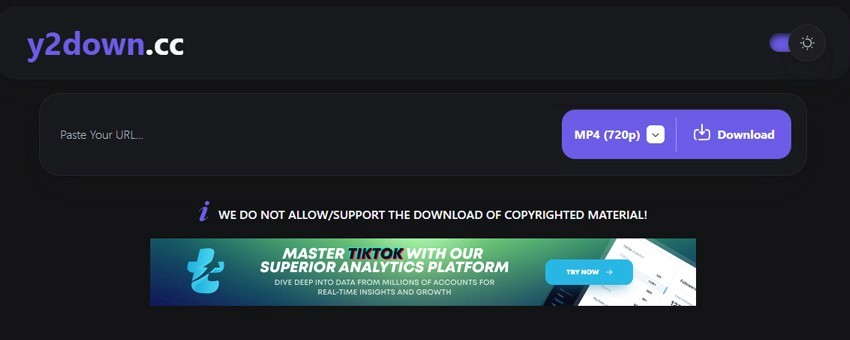
How many times has it happened? You find a cool video, and then bam, no internet. Or the video is deleted, or you just want to save a music playlist to your phone to listen on the go.
That's where Y2Down comes in handy.
Why choose Y2Down?
It's free. No subscriptions or other nonsense. Works right in the browser. Open the site, paste the link, and done. No need to install software, break anything, or mess with extensions. Y2down service is in my converter ratings.
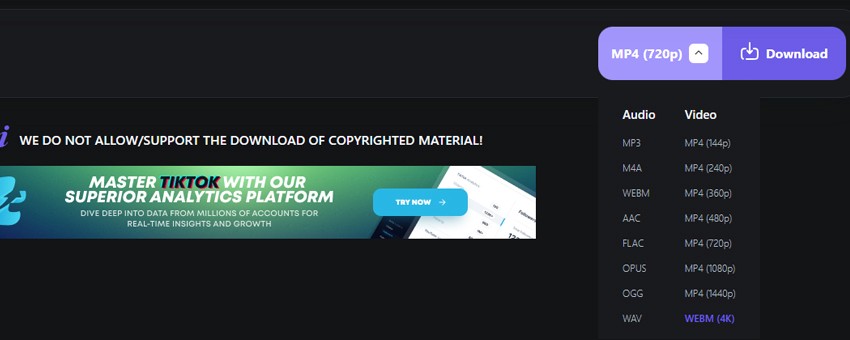
Another plus is the formats for video to MP3 conversion. MP4, MP3, WAV choose. Videos in 1080p, 4K, and if you bother to download the desktop version, it even pulls 8K. And honestly, I was surprised that the service works with almost all devices: Android, iOS, Windows, Mac. On iPhone, it's better through Safari, it's more stable there.
How to use Y2Down?
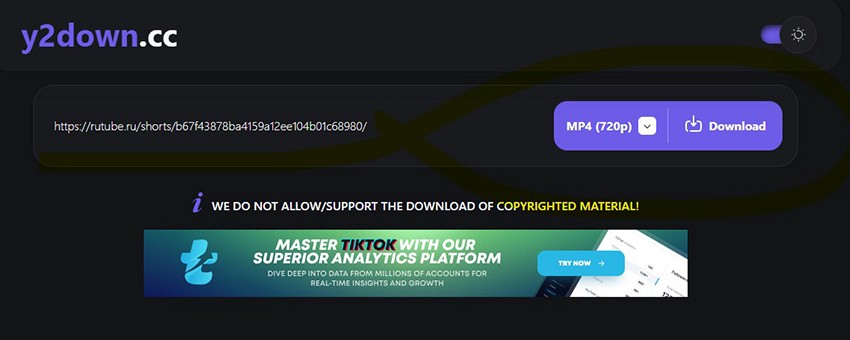
Method 1: by video link
- Find the desired video or choose from the list.
- Copy the video link.
- Paste the link into y2down, select the desired format.
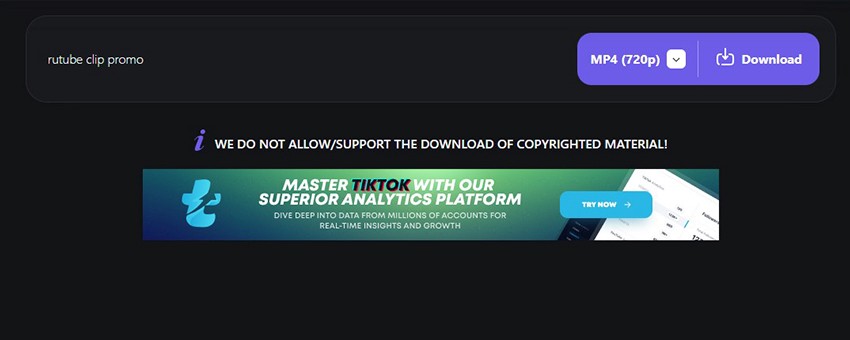
- Click "OK" and download the file.
Method 2: by keywords
- Enter keywords, name into the y2down search bar.
- Choose the desired option from the suggested results.
- Start the conversion and download.
What can you download without issues?
- Any regular videos in Full HD.
- Music, lectures, podcasts.
- Entire playlists, and it's really convenient if you want to collect a selection.
- Videos in 4K (often in WEBM format).
Tip? Always check the license. If you're not sure - better ask the author than deal with the consequences later. It's really easier than explaining "I didn't know" later.
Main features of Y2Down
- Video and audio in many formats.
- Support for high quality from 1080p to 8K.
- Fast download.
- Playlist conversion to MP3.
- Works on all popular devices.
In terms of speed, a 15-minute video converts in about one and a half minutes. Depends on the source quality and server load. Sometimes it's really faster than ymp3, although Y2Mate does long videos faster.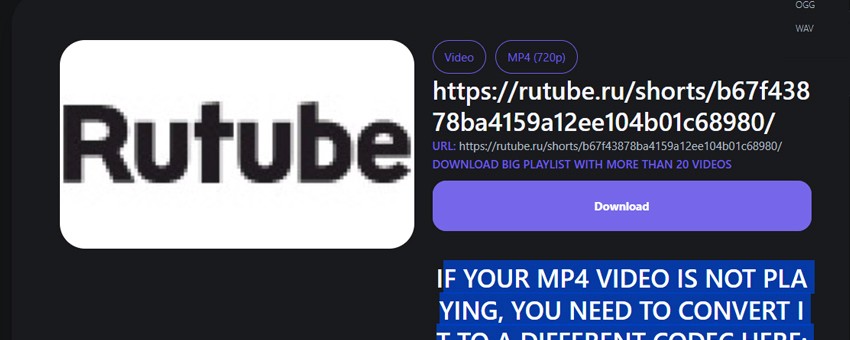
Pricing
The best part is the service is free. Download as much as you want, no limits. The only thing is ads. Sometimes pop-ups or fake buttons appear. But install AdBlock and the issue is solved.
Pros and cons
Pros?
- Free.
- Easy to use.
- Many formats and quality up to 8K.
- Pulls entire playlists.
- Support for all platforms.
Cons? There are some too.
- Ads are annoying.
- You have to monitor copyrights yourself.
- On iOS, better to use Safari, otherwise it might glitch.
Comparison with alternatives
- SaveFrom.net - an old and familiar service to many, but there's a sea of ads there, and quality is limited.
- YTMP3 - only for audio.
- 4K Video Downloader - a powerful program for PC, but it already has paid limits.
- XDownloader - you need to install the app.
Important point about copyrights
Don't forget that downloading someone else's videos without permission is always a violation!!! Want peace of mind? Look for videos with Creative Commons license. On YouTube, for example, there's a filter for that.
Y2Down is really a useful thing. Free, simple, without extra software. Yes, ads are annoying, but it's solvable. For saving favorite videos, music, or entire playlists, it's a great option. I keep it "in bookmarks just in case". When you need to quickly convert video to mp3.