
NoTube Online Converter for Downloading Videos and Music
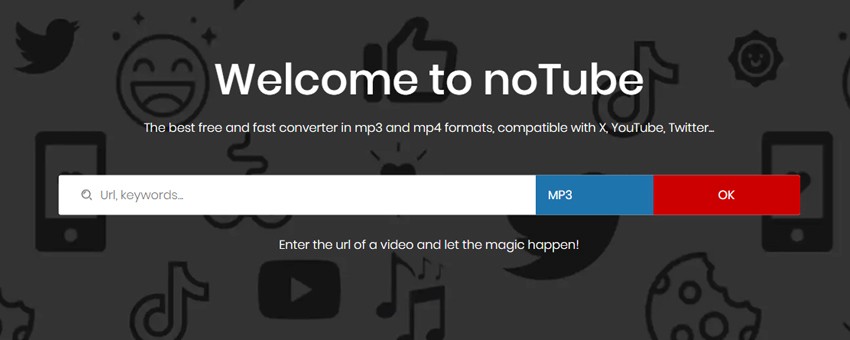
Hello, dear reader! Today I want to share a real find for all music and video lovers! Imagine: you're going on a trip and know that you'll spend hours on a plane or train, where, of course, there won't be internet. How to pass the time? Of course, watch favorite movies or listen to cool music! Here noTube comes to the rescue - a simple and convenient online service that will help download everything you want right to your device. 😉
Intrigued? Then let's figure it out!
Why choose noTube?
noTube - this is like a magic wand for those who don't want to bother with complex programs and settings. It's completely free and works right in the browser - Windows, Mac, Linux, even a smartphone on Android or iOS. The noTube service is in my converter rating. All you need - internet (for converting video to MP3, of course) and a link to the video or music track.
What makes noTube different from others?
- The main thing - simplicity! No installations, registrations, and extra hassle. Just paste the link, choose the format and - voila! - the file is already on your device.
- Formats for any taste! Want to download video in MP4? Easy! Need only music? Convert to MP3! noTube will cope with any task.
- Works with a bunch of sites! VK, Dailymotion, Facebook, Instagram, Twitter, TikTok, Vimeo - noTube is compatible with all popular platforms.
- How to use this wonder? Simpler than simple!
How to use noTube?
Method 1: by video link
- Find the needed video or choose from the list.
- Copy the video link.
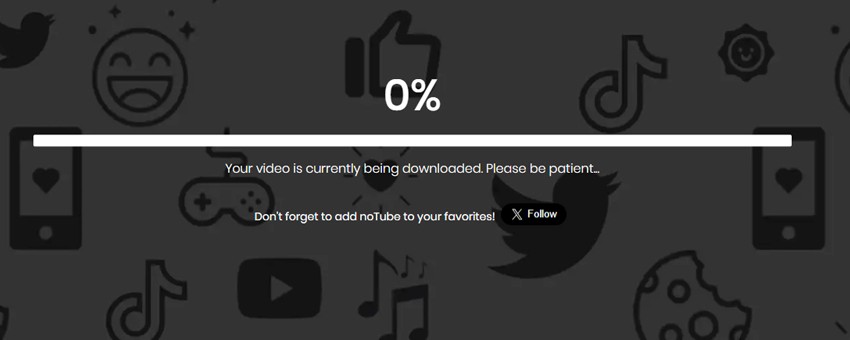
- Paste the link in noTube, choose the needed format.
- Click «OK» and download the file.
Method 2: by keywords
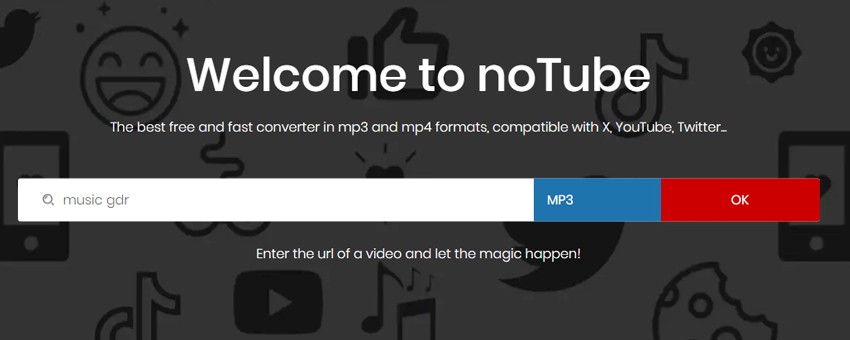
- Enter keywords (song name or video) in the noTube search line.
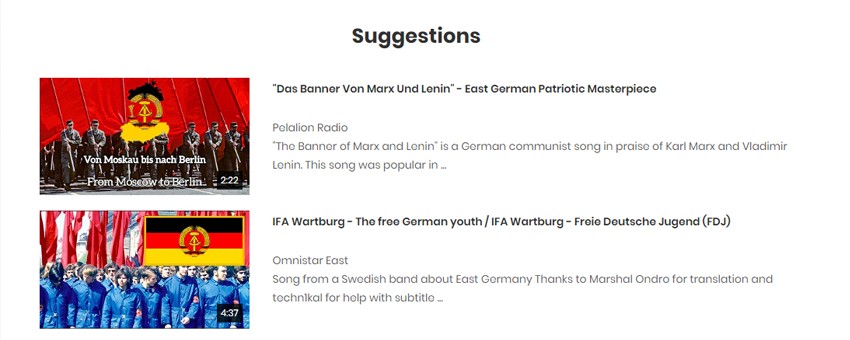
- Choose the needed option from the proposed results.
- Start conversion and download.
- Of course, there is a small minus - pop-up advertising. But, firstly, it doesn't interfere with downloaded files, and secondly, developers also need something to live on, right? And no download limits! Download as much as you want!
What can really be downloaded without problems?
Your own videos (well, that's obvious). Your videos - your rules.
Content under Creative Commons license. There are many options. CC0 - do what you want, use in memes or ads. CC BY - also possible, but be sure to indicate the author, otherwise it's not nice.
And if there is no license, or it says that the material is protected - everything, stop. Downloading = potential problems. And it doesn't matter that the video is in open access on YouTube. Watching - can. Downloading and distributing without permission - cannot.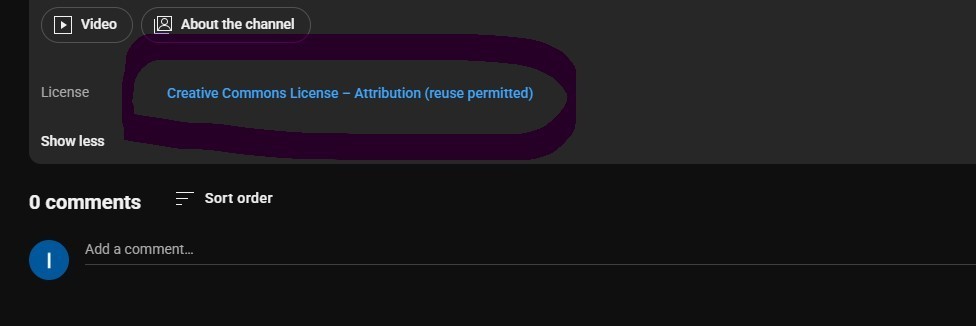
Advice? Always check the license. If not sure - better ask the author than then sort out the consequences. This is really easier than then explaining «I didn't know».
Main features of NoTube
Features? Standard set: MP3 - choose bitrate, 128 or even 320 kbit/s (for audiophiles, yes). Video - MP4, from 360p to 1080p, sometimes even 4K appears. Supports playlists, you can download the whole album at once. There is WebM, AAC, WAV - for those who like to experiment with formats.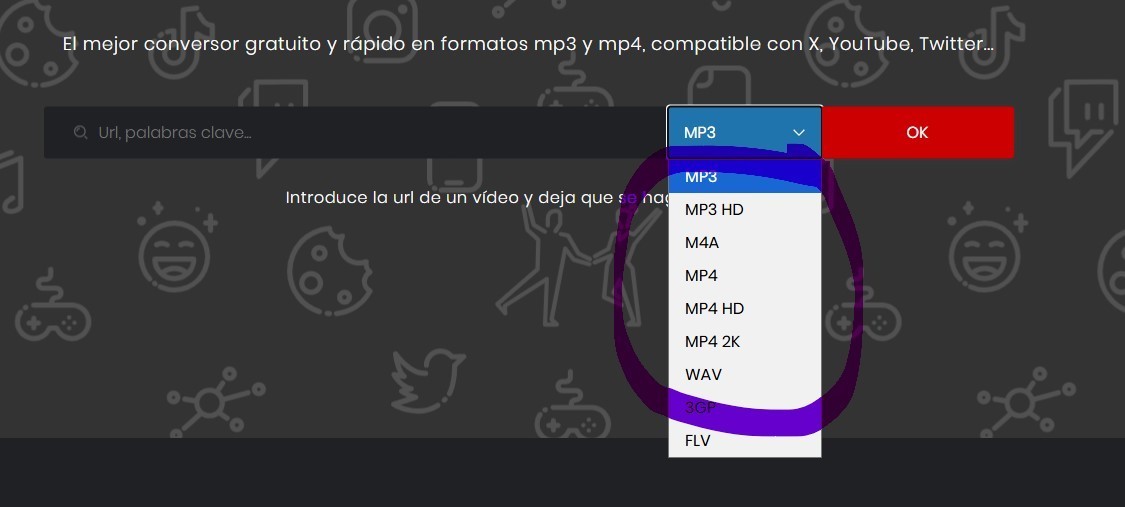
And cool - works on any device. PC, phone, iOS, Android. Even grandma's tablet will handle it. The interface is translated into many languages: Russian, Spanish, Turkish, German, Italian and others.
Speed: 25-minute video converts in about one and a half minutes. Depends on the quality of the source and server load. Sometimes really faster than ymp3, although Y2Mate makes long videos faster.
Tariffs
At NoTube, like all services, there is its own «tier of tariffs».
The simplest - free. Costs zero. At all. No registrations, cards, subscriptions. Turned on and use. But get ready for ads (and sometimes it really sticks, like 2010s banners). You can download, yes, but only up to 1080p. The queue is slow, speed is not the top one, and the quality of video is limited in places. But for «want here and now» - normal.
Further, the paid level goes. Annual subscription - 5 euros per month. But you pay at once for the year (60 euros). But savings of two months, like «take 12, pay for 10». What do they give? Remove ads (hooray),you can download playlists entirely, resolution up to 2K, without limits, plus priority downloads (in short, your file in the queue will not wait while others convert). 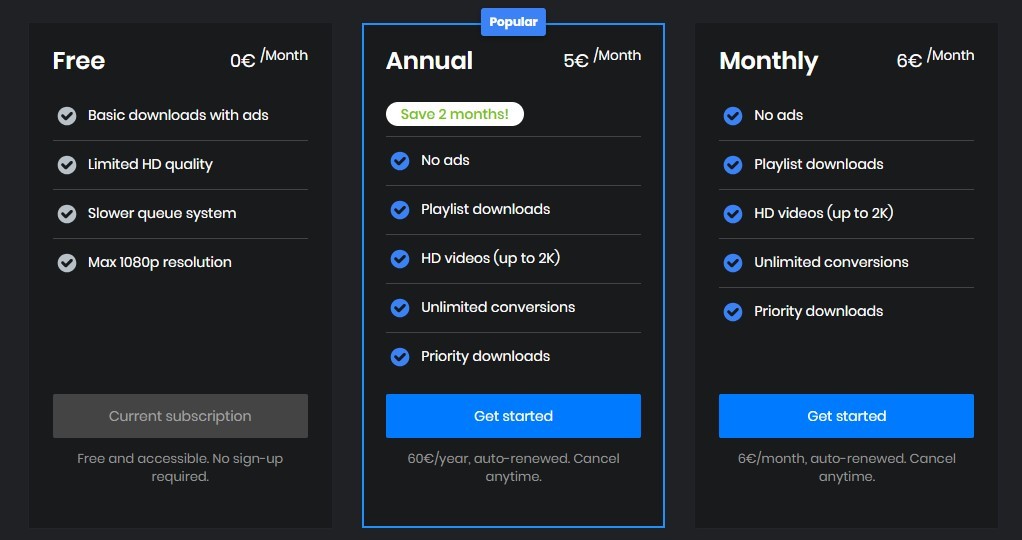
If you don't want to pay at once for the year - there is monthly. 6 euros. All the same goodies, but without discount. Subscription auto-renews, but at any moment you can cancel.
Pros and cons
Pros?
- Free.
- Paste link → choose format → download.
- Support for popular formats (MP3, MP3 HD, M4A, MP4 HD, MP4 2K, WAV, 3GP, FLV).
- Without registration, passwords and SMS.
- Works even without VPN (well, almost always).
Cons? There are too.
- Ads. Sometimes really annoying.
- Restriction by length - long videos can glitch.
- Errors like «Video unavailable» or the site simply doesn't open appear.
- No batch downloading, have to take one by one.
Comparison with alternatives
- Y2DOWN - fast, but often blocked.
- Y2Mate - more formats, but very much advertising.
- SAVETUBE - you can trim video, but unstable.
- XDownloader - reliable, but you need to install the app.
In general, NoTube - a convenient thing. Fast. Free. I personally have already appreciated all the pros and use it actively. And you? Share your opinion in the comments.




22 May 2025