Y2Mate Online Converter for Downloading Videos and Music
Is it worth using? Analysis, alternatives and my experience
Surely you've seen a video or favorite track online and wanted to take the audio for yourself. To listen on the road, without internet. To collect a personal playlist. To save a lecture or podcast. It seems like what's so complicated? But the market is full of converters and downloaders, and each promises simplicity and speed, but most have their pitfalls.
One such tool is Y2Mate. It's praised for speed and free access, but let's figure out where it really comes in handy, and where it's better not to risk.
How to use Y2Mate?
Everything is extremely simple. Below is a step-by-step guide so you don't get confused:
- Copy the link to the video or clip you're interested in.
- Go to the Y2Mate website.
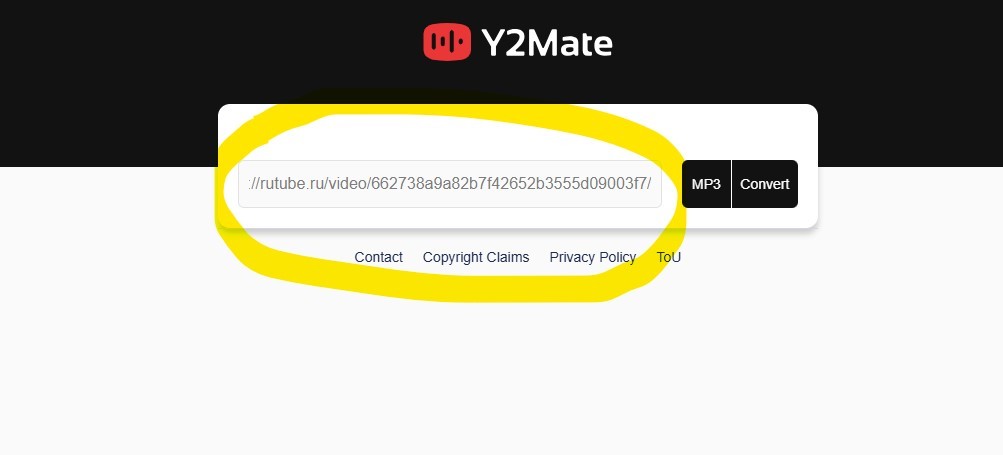
- Paste the link into the search field on the page.
- Choose the format: MP3 (audio) or MP4 (video).
- Specify the desired quality (if available).
- Click the "Download" button, the file will start preparing, after which a download link will appear.
- Done. Works directly in the browser, no installation required. Sometimes the site opens ad tabs, AdBlock to help.
Rates
With Y2Mate, everything is simple: the service is positioned as completely free.
- No subscription.
- No paid features.
- Unlimited number of downloads.
But free access is like a mousetrap: pop-ups, loading third-party scripts, promo banners and potential glitches.
Pros and cons
To make the picture honest, I collected everything in two columns.
Pros
- Free and no registration.
- Very fast file preparation (often 5-10 seconds).
- Supports MP3 and MP4, video quality selection up to 4K.
- Compatible with any device: PC, tablet, smartphone.
- There is a mobile app with built-in player and file manager.
Cons
- Length limit often no more than 90 minutes for download.
- Ads and pop-ups annoy and carry the risk of accidental clicks and downloading unwanted content.
- Sometimes unstable operation: download button disappears, files do not appear in the system.
- Default MP3 quality may be lower than expected; with additional services, 320 kbps is available, but not always.
- Legal risk when downloading protected materials.
Legal aspect
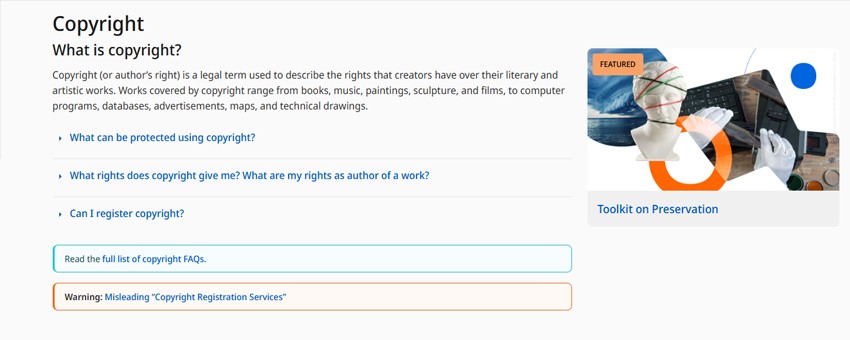
It's important to understand the legal side. Downloading and distributing copyrighted materials without the copyright holder's permission is a direct violation of the law.
What to consider:
- Download only content that you have rights or permission to.
- For commercial projects, use official libraries and licensed tracks.
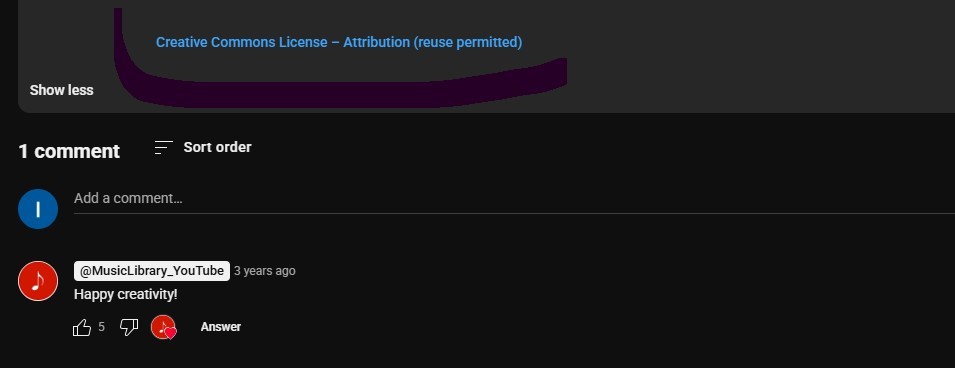
- Look for content with open licenses (such as Creative Commons) if you plan to reuse materials.
Comparison with alternatives
I tested different services, here's list of popular converters in 2026. Here's what's really better for different tasks.
| Feature | Y2Mate | Toolsmart AI | AudioCleaner.ai |
|---|---|---|---|
| Price | Free | Free / Freemium | Free / Freemium |
| Sound quality | Up to 128–320 kbps | Up to 320 kbps | 320 kbps + AI enhancement |
| Video | MP4 up to 4K | MP4, WAV, other formats | Limited (focus on audio) |
| Ads | Yes | No | No |
| Security | Medium | High (HTTPS, no redirects) | High (HTTPS) |
| Additional features | No | Preview, quality selection | Vocal removal, track splitting, noise reduction |
| Suitable for | Quick downloads | High-quality music | Podcasts, remixes, processing |
Note: "Freemium" means that the basic functionality is free, and advanced features are available by subscription.
Conclusions:
- For quick one-time conversion - Y2Mate will do.
- For conversion and saving - Toolsmart AI.
- For processing and creativity - AudioCleaner.ai.
Personally, I convert files through Toolsmart AI, process with AudioCleaner, and keep Y2Mate as a backup option.
Useful links
- Creative Commons - https://creativecommons.org/licenses/
- General information on copyright - https://www.wipo.int/copyright/en/